
Webforce
Menu
  • External link opens in new tab or window

Design

Column
Column


ENJOY COMPLETE CREATIVE FREEDOM


Unleash your creativity with the most powerful site builder in the industry. Create original desktop and mobile designs without writing a single line of code.  For the technically oriented, easily insert custom HTML snippets anywhere you like.


Column

Flamingos


Column
Column


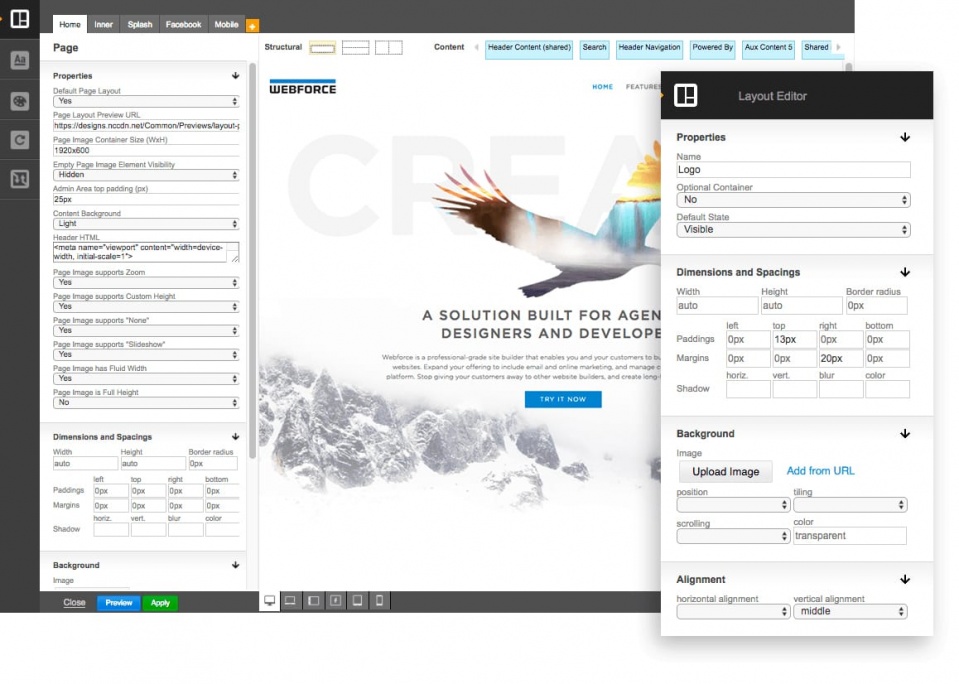
DESIGNPRO EDITOR


The unique and powerful visual layout and style editor application gives designers precise control over every visual element of a custom design. Choose from over 20 different page building blocks to quickly assemble any type of layout. Each building block has over 100 settings to provide superfine control over individual visual parameters. Add shared display elements across all, or for just a subset of the pages.


Column
DesignPro Editor - Layout mode
DesignPro Editor - Preview mode
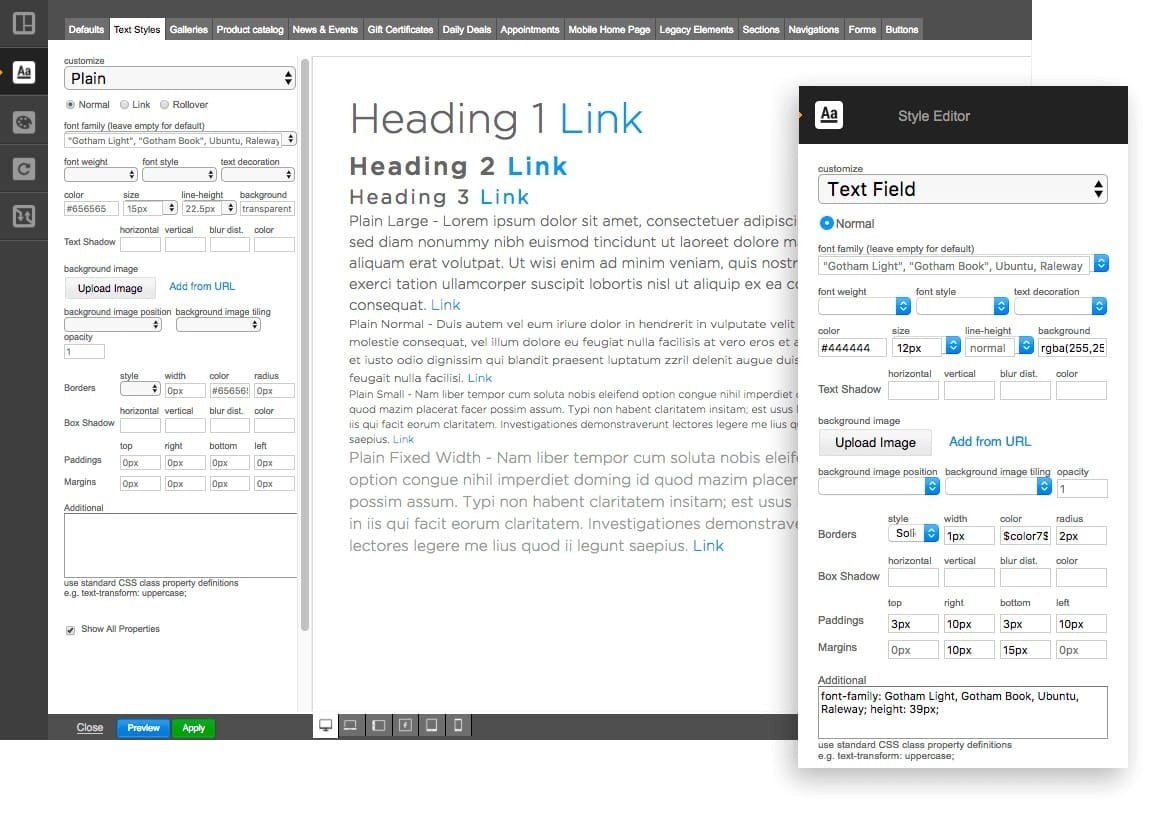
DesignPro Editor - Text styles section
0


Column


CUSTOMIZE LAYOUT


Modify the layout in DesignPro to get the exact look that you want and easily adjust responsive behaviour of elements.


Column


SET CUSTOM STYLES


Customize styles for the different elements in your design.

Column


DEFINE COLOUR THEMES


Adjust the color palette from the defaults to your choosing to fully customize the design.


LOGO DESIGNER


Create logos for clients quickly using a drag and drop logo designer built in.


Column


CREATE ENGAGING CONTENT WITH BUILD-IN ANIMATIONS


Increase the visual interest of your customer's websites and decrease visitor bounce rates with effects from our rich cinematographic animation library. Use effects like mouse-over animated images and timed image transitions to make your sites professional looking and visually engaging.


Column

Example of rollover animation - Burger deal 


Column
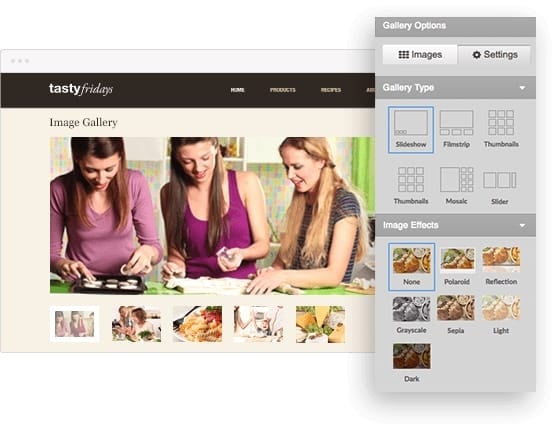
Image Gallery | Slideshow example 1
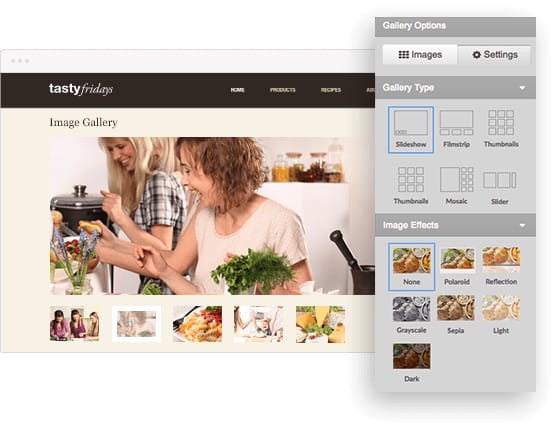
Image Gallery | Slideshow example 2
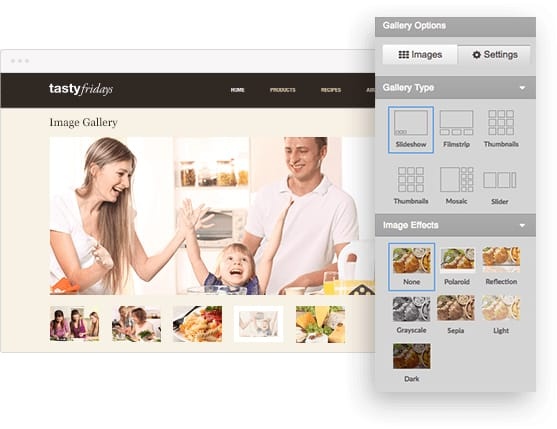
Image Gallery | Slideshow example 3
Image Gallery | Slideshow example 4
Image Gallery | Slideshow example 5
0
Column


CAPTURE ATTENTION WITH VERSATILE IMAGE GALLERIES


Deliver your clients' marketing messages with captivating image galleries. Spice them up with animated captions and elegant image transitions. Choose between six gallery types, four different navigation styles, and ten special caption transitions to deliver an unique eye-catching presentation that makes the site stand out.


Column


PRESENT YOUR DATA USING POWERFUL MANAGEMENT TOOLS
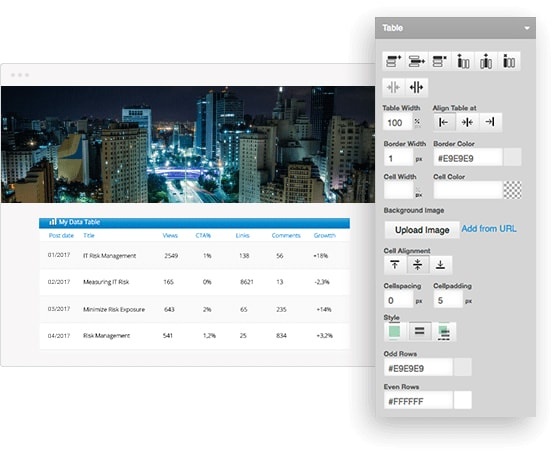

Organize information lists with the versatile Table Editor. Use automatic Zebra striping to make mundane tables more attractive. Embed images in the table background or cells to create the desired ambiance or emphasis. Easily align tables, merge and split cells to create the exact look you need.

Column

Database Table Editor


Column

Access control

Column


CONTROL ACCESS TO VALUABLE CONTENT


Restrict visitor access to paid or private content. Create customized online registration forms to enroll users. Allow users to update their member profiles to keep the databases up-to-date and accurate. Support multiple user access levels for different content areas.


Column


INCREASE CONVERSION WITH PERSONALIZED CONTENT


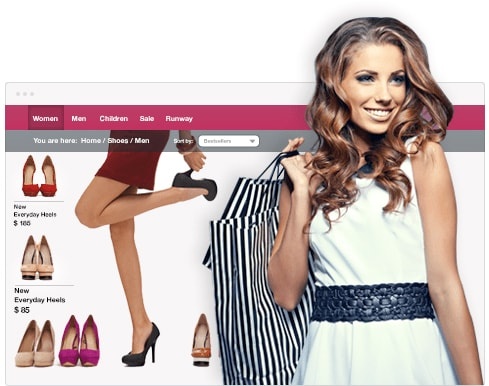
Increase visitor engagement and lower bounce rate by delivering more relevant content. Higher visitor content relevancy translates directly to better conversion rate.  With WebForce you can automatically send search engine visitors to specific landing pages based on their search keyword. Deliver targeted content to all visitors coming from a specific site. Show localized content based on the visitor's country of origin. Handle repeat visitors with a different flow to optimize conversion.

Column
Personalized content for women
Personalize content for men
0


Column


BOOK NOWBOOK NOW


Column


CONVERT WITH ENGAGING

CALL-TO-ACTION BUTTONS


Turn your visitors into customers with the Call-to-Action button. Create good looking buttons with images and text without Adobe® Photoshop®software.  Add attention-grabbing effects such as mouse-over transitions and time-based highlight animations. Insert captions, sub-captions and icons to achieve optimal impact.


POWERFUL APPLICATIONS


Add to Facebook Open Hours Contact Info Voting Poll Members Login


POWERFUL FEATURES


Column

  • Drag and drop elements.
  • Precisely position background videos, images and gradients.
  • Drop in social widgets, forms, Google Maps, YouTube videos, Open Hours and more.

Column

  • Integrate custom HTML.
  • Pre-configured layouts, including collapsible rows, tabs and columns.
  • Page layout templates, including menus, services, galleries and FAQ.

Click to edit

  • Completely responsive design, with multi-device preview.

  • Flexible image gallery options and customization.
  • SEO-friendly, with simple keyword and description editing.


Building Tools


  • Section Groups

The built-in Section Groups is an original Webforce innovation created to support sophisticated high-end designs. Use it to organize related content anywhere on a page with structures such as Accordion, Horizontal Tabs, Vertical Tabs, Collapsible Rows or simple Columns. Spice up the section title with icons, subtitles and mouse-over effects.


  • Table Editor

The built-in Table Editor is a powerful tool to present information in a structured format. Flexible cell merging technology takes the guesswork out of creating the exact look you want. Each table cells can hold text, images or media content. Add visual richness by embedding images as a cell or a table background. Create Zebra-style tables with automatic alternating row colors. Implement nested tables in your design for added flexibility.


  • Form Builder

Create online forms to process user registrations or collect visitor feedback with the built-in Form Builder. Instantly validate each field values against standard data types or use custom regular expressions to ensure accurate submission.  Forward submitted information to an email account, or directly into a Webforce database. Capture visitor information such as geo-location, referring page and previous referring site. Send confirmation emails to the visitors, or email notifications to a site administrator.


  • Media Library

The Media Library application creates video and audio libraries and allows visitors to browse, view, play or download any media asset. Enable visitors to contribute files both in public or protected areas. Search the file library by keyword, creation date and/or file size range. Customize library appearance by adjusting colors.


Layout Control


  • Page Manager

Manage large projects with ease via the built-in Page Manager. Easily duplicate pages to expedite the workflow and for archival purposes. Organize pages in folders to create "content silos" that boost search engine ranking. Configure automatic page redirects for old URLs to preserve "link juice". Rely on the robust page reference system to prevent deletion of pages in use. Page renaming propagates automatically to ensure link integrity in the entire site. Search feature allows quick page access in large sites. Configure default home and "404 not found" page with a single click.

  • Layout Controller

 Configure individual page layouts with the built-in Layout Controller.  Select from pre-defined page templates to create specialty pages such as a lightbox or a splash page. Split the main content area into multiple columns. Adjust column spacing and customize individual column width. Enable optional layout components such as collapsible panels, headers, secondary navigation, as allowed by the individual site design.


  • Navigation Controller

The built-in Advanced Navigation Controller provides unprecedented control over site navigation panels. In addition to the main navigation panel, there can be up to three additional navigation panels on a page, depending on the chosen site design. A navigation panel can be per-page or be common across a set of pages. The main navigation panel may contain sub-navigation menus. Each sub-navigation supports drop-down and horizontal stripe mode with configurable mouse-over animations. Each menu item can display a custom image or it can support captions, sub-captions and embedded icons. An embedded icon can vary to indicate default state, mouse-over state, or selected state.


  • Stock Site Design Library

WebForce offers a comprehensive stock site design library ready for use as-is, or as a starting point for custom designs. Each stock design contains an unique combination of font, element and application styling with a compatible color palette. The consistency of the design is enforced across the entire platform, so the resulting site and applications will always look good regardless of the end user competence.


Advanced Tools


  • SEO Tools

Improve search engine rankings with the built-in SEO Tools. Configure important search keywords on a per-page or per-site basis. Insert searchable titles and description metadata to optimize placement in relevant searches. Organize related pages in the same folder to boost search engine ranking. Upload sitemap.xml and robots.txt file to allow proper search engine indexing.

  • HTML Snippet

Easily integrate custom HTML, JavaScript or CSS code anywhere on your site. This built-in feature allows power users to gain full control over every aspect of a page. Extend a website's functionality with third party add-ons or apply advanced design customizations.


401132
Invalid Form properties detected


TRY WEBFORCE FREE TODAY


No credit card required.


External link opens in new tab or windowExternal link opens in new tab or windowExternal link opens in new tab or windowExternal link opens in new tab or window

  • Contact us
  • Terms
  • External link opens in new tab or windowPrivacy
  • External link opens in new tab or windowSupport


© Webforce, All rights reserved

This website was built on Webforce.

close lightbox